指定窗口边框和背景
通过设置窗口装饰(如标题栏)和背景,可以调整截图的外观。
窗口边框样式
Section titled “窗口边框样式”使用 -d 或 --window <style> 选项指定窗口边框。只指定不带值的 -d 时,会应用 macos。
# 带投影的 macOS 风格样式console2svg capture -d macos-pc -- fastfetch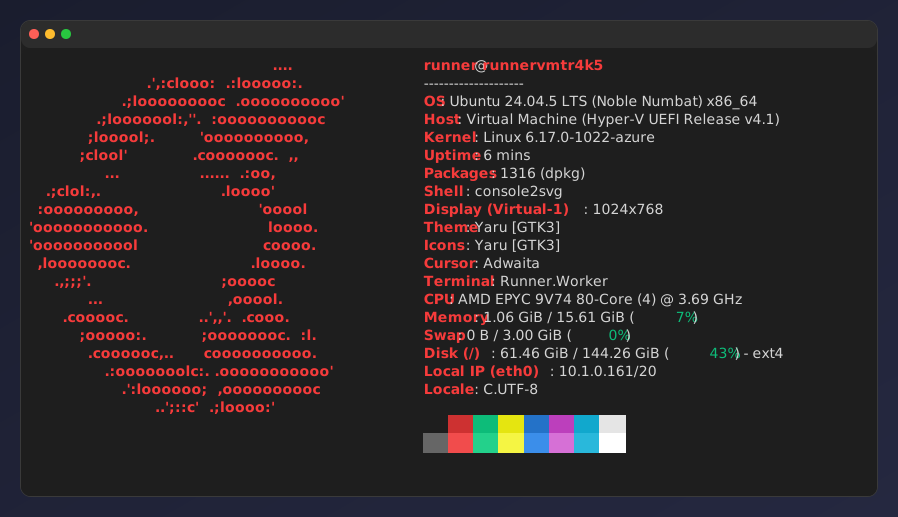
内置窗口边框和显示示例汇总在内置窗口边框中。
可以使用 --background 选项设置背景颜色或背景图片。
指定颜色代码(HEX)。
console2svg capture -h 10 -c -d macos-pc --opacity 0.85 \ --background "#003060" -- dotnet --version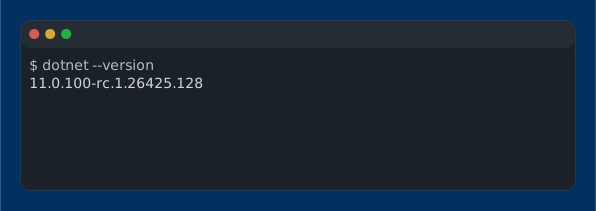
指定多个颜色代码。
console2svg capture -h 10 -c -d macos-pc --opacity 0.85 \ --background "#004060" "#0080c0" -- dotnet --version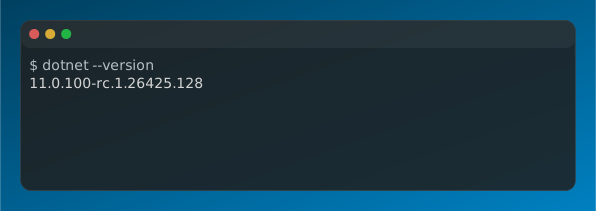
指定图片文件路径后,可以像桌面背景一样显示。
console2svg capture -h 10 -c -d macos-pc --opacity 0.85 \ --background image.png -- dotnet --version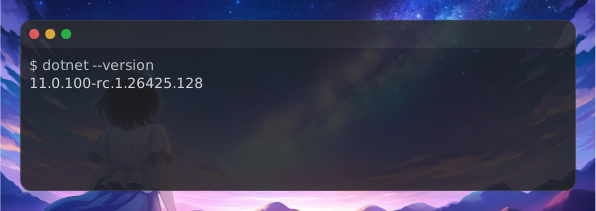
留白和不透明度
Section titled “留白和不透明度”--margin <px>:窗口边框外侧的边距。--padding <px>:终端内侧(文字与边框之间)的内边距。--pc-padding <px>:macos-pc或windows-pc的外侧留白大小。--opacity <0.0〜1.0>:背景不透明度(例:--opacity 0.9)。