Generate beautiful SVG images
Render ANSI and Truecolor output as SVG. It delivers high resolution that is perfect for your documentation.
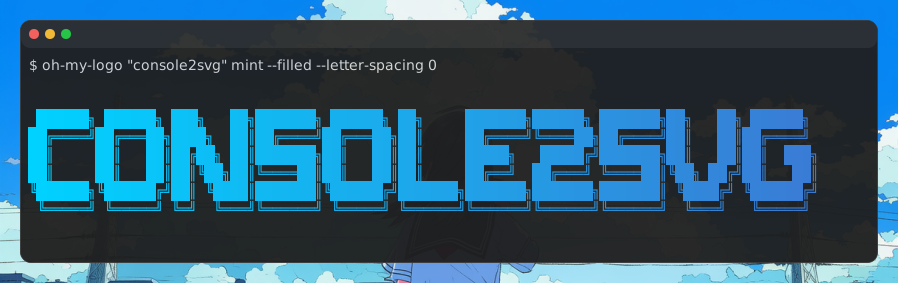
Convert terminal output into images for READMEs, blog posts, assignments, and documentation.
This image is, of course, generated by console2svg itself. Beautiful, isn’t it?
There are lots of features! You are sure to find something you like.
Generate beautiful SVG images
Render ANSI and Truecolor output as SVG. It delivers high resolution that is perfect for your documentation.
Generate videos too
Want to share cmatrix output? You can do it in one shot.
Automation support
You want documentation images to stay in sync with the real thing, right? Regenerate them in CI, with replay support included.
Playwright for TUIs
Let AI agents operate, inspect, and improve TUIs with structured terminal control commands.
Convert to other formats
No problem if your platform does not support SVG. You can convert to PNG, GIF, WebM, MP4, and more with built-in support.
Interactive capture
A mode is available where you can press F9/F10 to capture at any time.
You do not need to launch a screenshot tool every time while writing documentation.
Live Server feature
Convert terminal sessions to SVG in real time and show them live in a browser. Even YouTube streaming is possible.
Rich custom-theme support
A wide variety of custom themes are supported.
You can change the terminal appearance to match your preferences.
Windows support
This is not something you can use only on macOS.
It works on Linux and, of course, Windows too.
Share safely
Common passwords and usernames are masked automatically.
This keeps you safe even if APP_SECRET_TOKEN accidentally appears in the output.
First, take a look at some real examples.
View examples
Installation