Live-Server
Available since v0.10
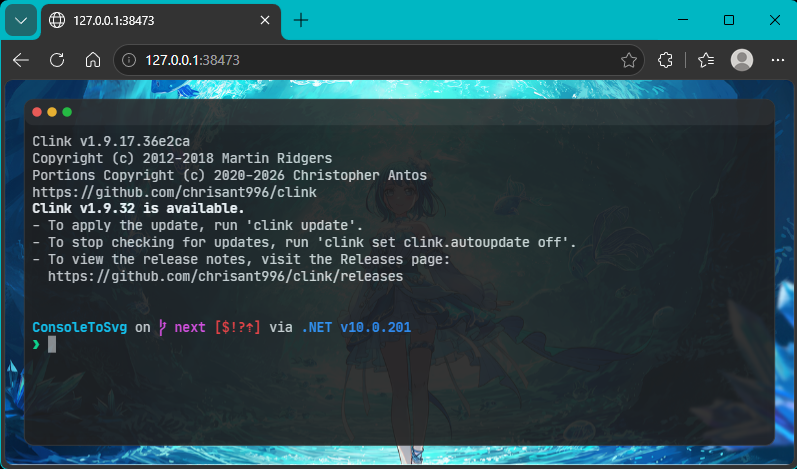
The Live-Server feature starts a local HTTP server and renders what is running in the terminal as SVG in a browser in real time.
Starting
Section titled “Starting”Pass the command to run to the live-server subcommand.
console2svg live-server -- btopBy default, the command starts an HTTP server on 127.0.0.1:38473.
Live server listening on http://127.0.0.1:38473/Open this URL in a browser to see the terminal state with low latency and vector quality.
Options
Section titled “Options”--no-resize: Disable automatic terminal resizing when the browser window changes size.- Theme and window style options (
-d,-t, and so on) can also be applied.
You can also load it as a browser source in streaming software such as OBS Studio to overlay a high-quality terminal screen.