Convert to video formats
You can directly convert captured SVG animations to common video formats such as GIF and MP4 when outputting them.
Output examples
Section titled “Output examples”Specify the desired extension with the -o option (or use --format). If ffmpeg is installed on the system, encoding runs automatically.
GIF animation
Section titled “GIF animation”console2svg capture -v -o demo.gif -- cmatrix -ab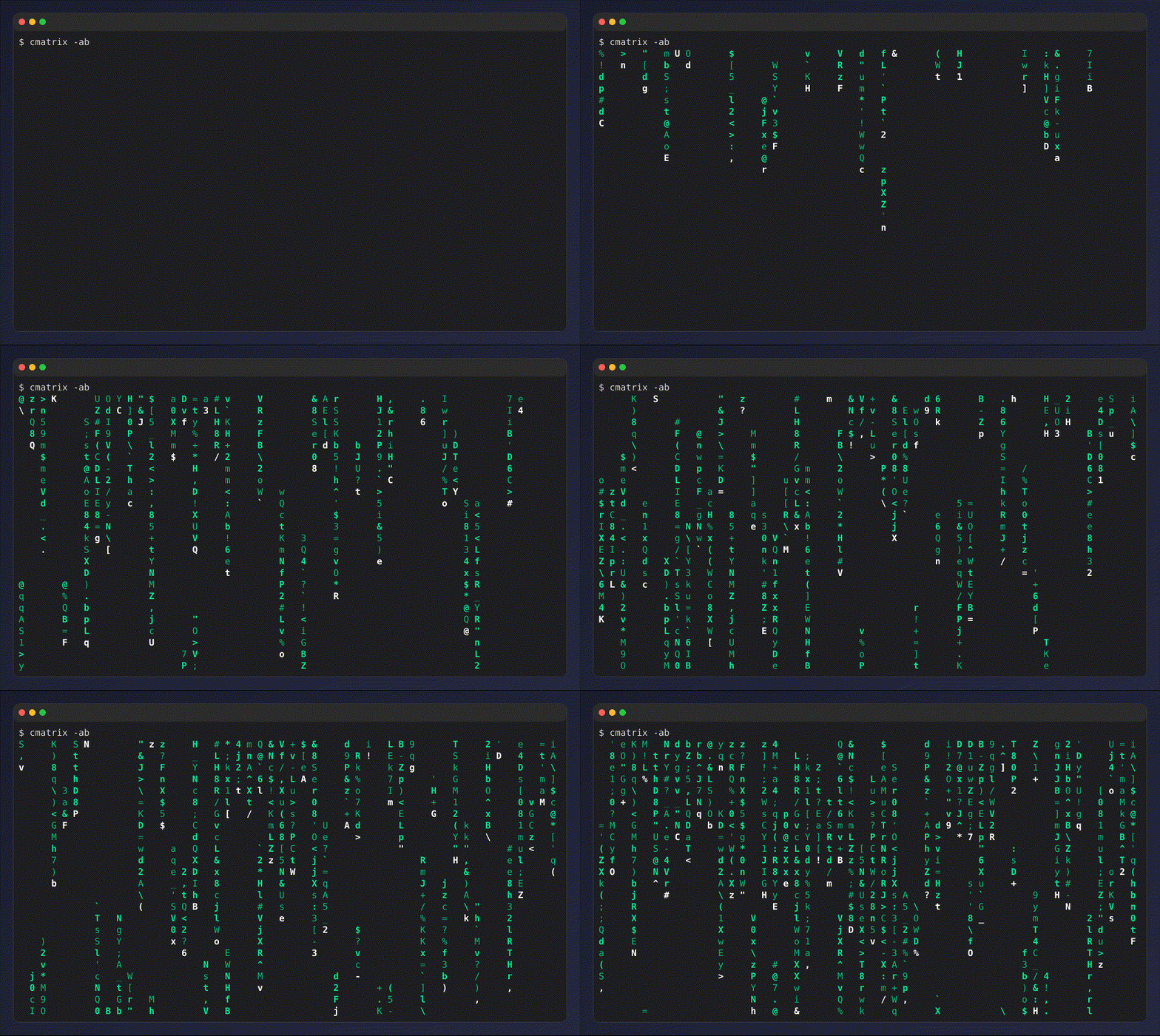
MP4 video
Section titled “MP4 video”console2svg capture -v -o demo.mp4 -- cmatrix -abWebM video
Section titled “WebM video”console2svg capture -v -o demo.webm -- cmatrix -abHow it works
Section titled “How it works”Animated SVGs cannot be converted directly to various video formats as-is. Therefore, conversion roughly follows the steps below.
-
Extract the generated animation as one SVG per frame with save-frames.
-
If direct conversion from
svgis possible (whenlibrsvgis enabled), simply concatenate all SVGs and pass them toffmpeg. -
If direct conversion from
svgis not possible, first convert them to PNG images withresvg, then pass them toffmpeg.
This makes conversion to video formats possible in many different environments.