Examples
Rather than explaining the features at length in text, it is probably better to show real examples. This page contains many real usage examples.
The simplest example
Section titled “The simplest example”Let’s capture the command’s own help text.
console2svg capture -- console2svg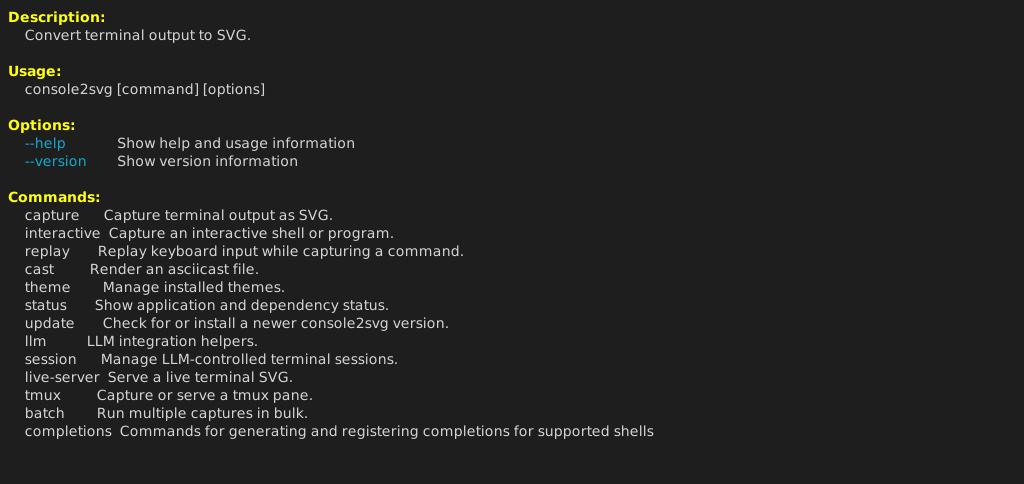
With a frame
Section titled “With a frame”This uses a macOS Terminal-style frame, specifies the width, and also includes the executed command name.
console2svg capture -w 100 -c -d macos-pc -- fastfetch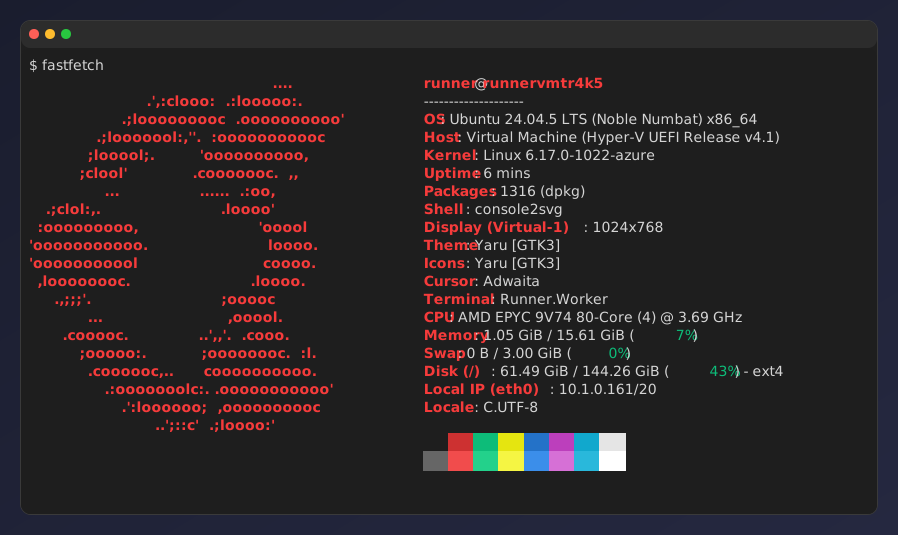
Background and transparency settings
Section titled “Background and transparency settings”You can make it quite stylish.
console2svg capture -w 100 -h 10 -c -d macos-pc \ --background "image1.png" --opacity 0.95 \ -- oh-my-logo "console2svg" mint --filled --letter-spacing 0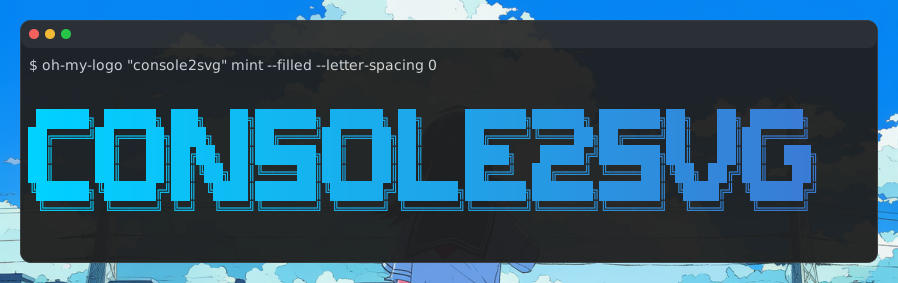
Animation
Section titled “Animation”console2svg capture -c -d -v -- sl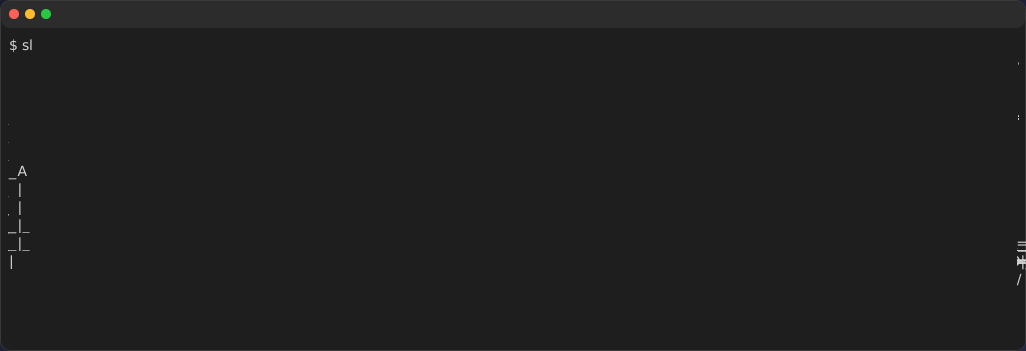
cmatrix
Section titled “cmatrix”console2svg capture -w 100 -h 24 -c -d macos-pc -v --timeout 5 -- cmatrix -ab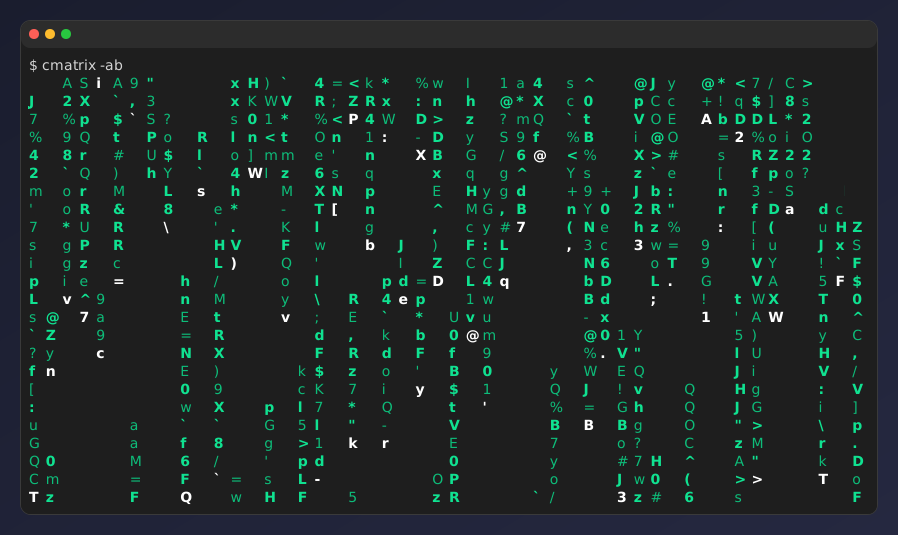
nyancat
Section titled “nyancat”console2svg capture -w 160 -h 28 -c -d -v --timeout 5 --sleep 0.5 -- nyancat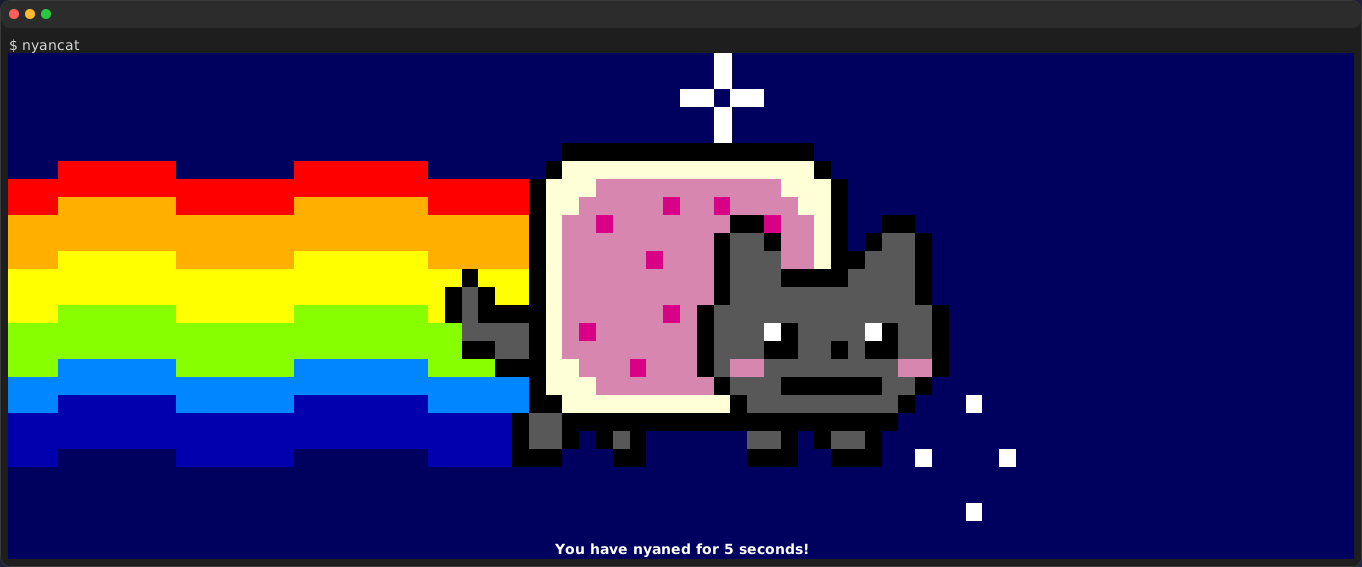
Replay playback
Section titled “Replay playback”By playing back a replay file prepared in advance, you can reproduce the same output even in CI environments.
console2svg replay ./replay.json -w 80 -h 20 -v -c -d macos -- bash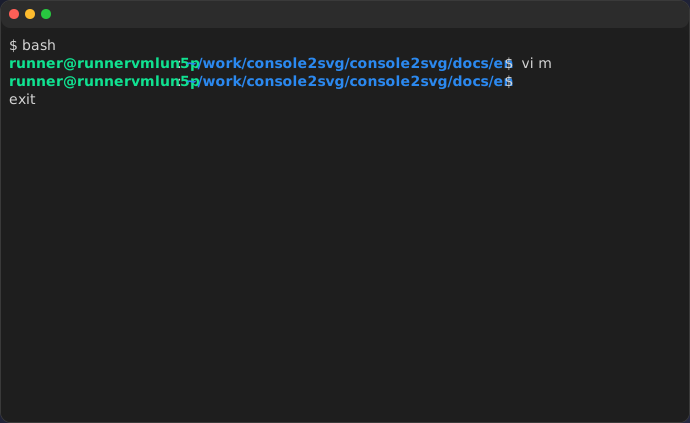
Interactive capture
Section titled “Interactive capture”Start recording with the F9 key, then press F9 again to stop recording.
console2svg interactive -d macos -o ./captures/output.svg
Theme support
Section titled “Theme support”Specify any theme you like, whether built-in or custom.
console2svg capture -w 100 -h 24 -c -d macos -t nord --timeout 2 -- cmatrix -ab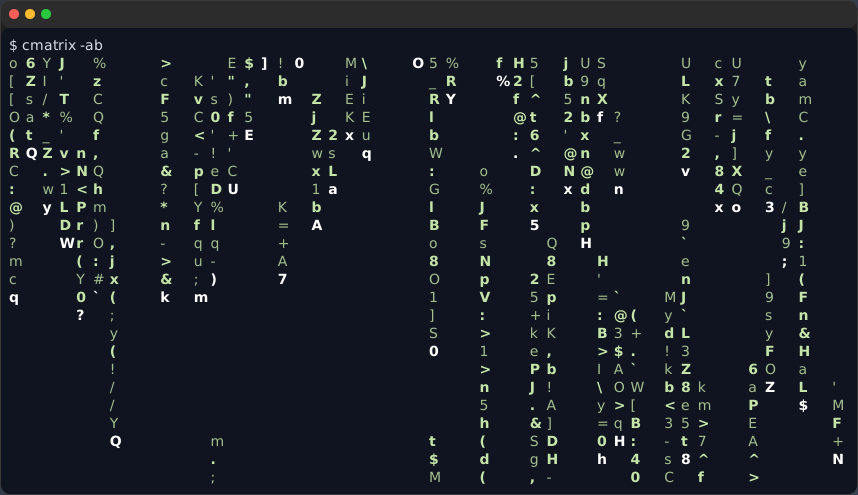
cyberpunk-pc
Section titled “cyberpunk-pc”console2svg capture -w 100 -h 24 -c -t cyberpunk-pc --timeout 2 -- cmatrix -ab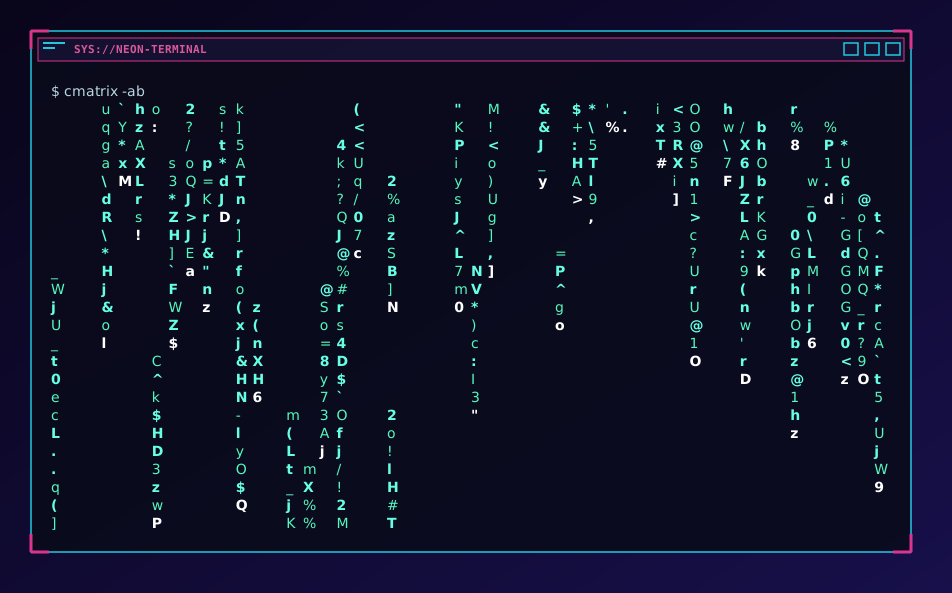
Sensitive information masking
Section titled “Sensitive information masking”cat <<EOF > .envCURRENT_DIRECTORY=$(pwd)APP_SECRET_TOKEN=1234567890thankyouHTTP_PROXY=http://user:password@10.0.0.1:8080CONNECTION_STRING=Server=localhost;Database=myDataBase;User Id=myUsername;Password=myPassword;MYSQL_CONNECTION_URL=mysql://myUsername:myPassword@localhost:3306/myDatabaseGIT_USERNAME=hidden_truth_nameGIT_EMAIL_ADDRESS=hidden_truth_name@example.comCOMMON_HASH=0123456789abcdef0123456789abcdefSECRET_HASH=fedcba9876543210fedcba9876543210EOF
console2svg capture -80 -h 14 -d macos-pc -t github-dark -- cat .env