Use built-in themes
Available since v0.10
console2svg includes built-in themes that are ready to use. Just pass a theme ID to
-t or --theme to change the terminal color scheme and window appearance.
Apply a theme
Section titled “Apply a theme”console2svg capture -w 100 -h 24 -c -t nord -- console2svg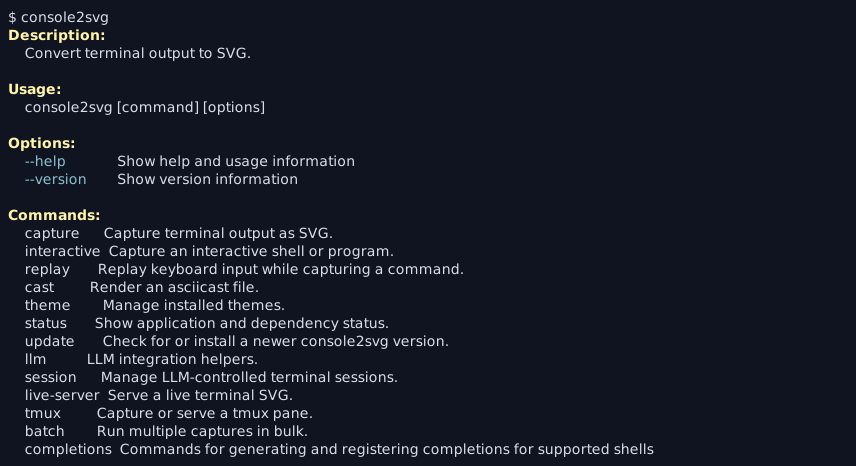
Theme IDs are listed in Built-in theme overview. theme list shows both built-in and installed themes together.
console2svg theme listconsole2svg theme list --format markdown-t can also be used with commands that accept themes, such as replay and interactive, not only with normal capture.
console2svg replay ./session.json -t nord -- bashconsole2svg interactive -t cyberpunk-pc -o capture.svg