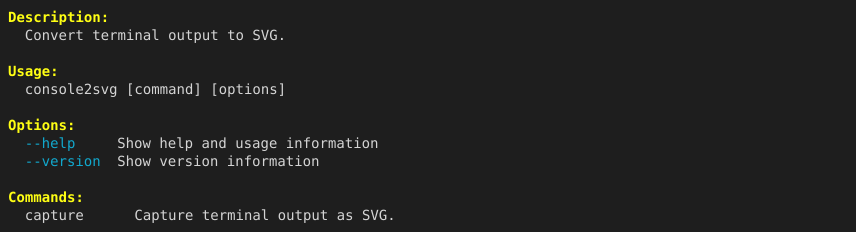
Convert to PNG format
You can directly output capture results as PNG images for platforms and applications that do not support SVG format.
Output in PNG format
Section titled “Output in PNG format”Specify .png as the extension with the -o option (or use --format png), and rasterization is performed automatically.
console2svg capture -o output.png -w 100 -h 12 -- console2svg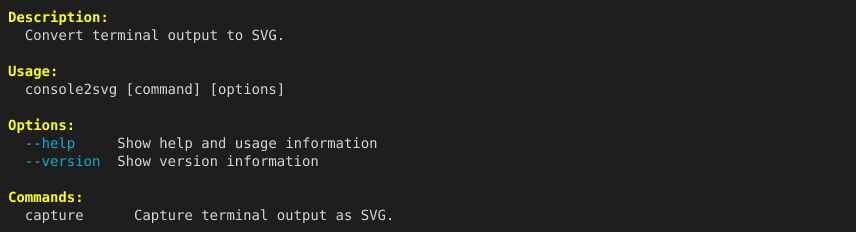
Rendering engines
Section titled “Rendering engines”console2svg includes the built-in resvg engine (a fast SVG renderer written in Rust), so it can generate high-quality PNG images without installing additional tools.
If needed, you can also switch conversion engines with the --svg-converter option.
| Setting | Description |
|---|---|
auto | Default. Prefer the built-in resvg engine. |
resvg | Force the built-in resvg engine. |
rsvg-convert | Use the system rsvg-convert command. |
ffmpeg | Use ffmpeg’s librsvg decoder. |
console2svg capture -o result.png --svg-converter rsvg-convert -- console2svg