Overview
If you want to record movement from TUI tools or progress bars, specify the -v (or --video) option to generate an animated SVG.
Basic usage
Section titled “Basic usage”-
Run
console2svg capture -v -- (command).Terminal console2svg capture -v -c -d -- sl -
The executed content is recorded as an animated SVG (
output.svg).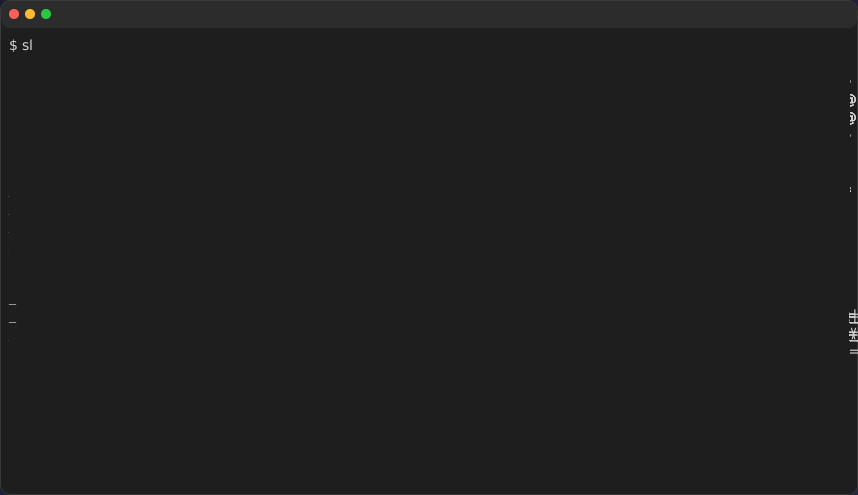
Main options
Section titled “Main options”-v/--video: Enable animated output.--fps <number>: Specify the sampling frame rate (example:--fps 30).--sleep <sec>: Specify the wait time before looping from the final frame back to the first frame (example:--sleep 0.8).--no-loop: Disable repeated playback of the animation and stop after playing once.--fadeout <sec>: Set the fade-out duration in seconds when switching loops.--timing <mode>: Specify the timing control mode.deterministic: Normalize event timing and prioritize reproducibility (for CI).realtime: Record using the actual execution times.
--timeout <sec>: Automatically stop a command that does not exit after the specified seconds and finish recording.
See capture options for details.
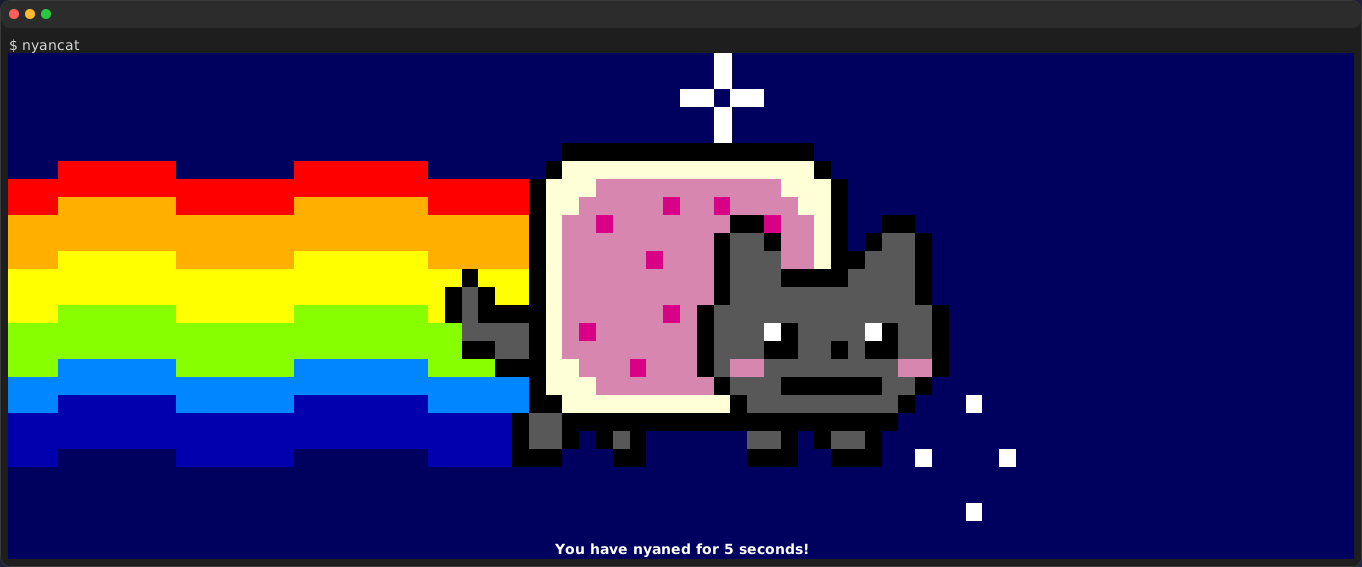
Example
Section titled “Example”console2svg capture -w 160 -h 28 -c -d -v --timeout 5 --sleep 0.5 -- nyancat