使用例
機能の説明を文字で長々とするより、実際の使用例を見てもらった方がきっと良いでしょう。 このページは実物の使用例がたくさん掲載されています。
もっとも単純な例
Section titled “もっとも単純な例”自分自身の説明文をキャプチャしてみます。
console2svg capture -- console2svg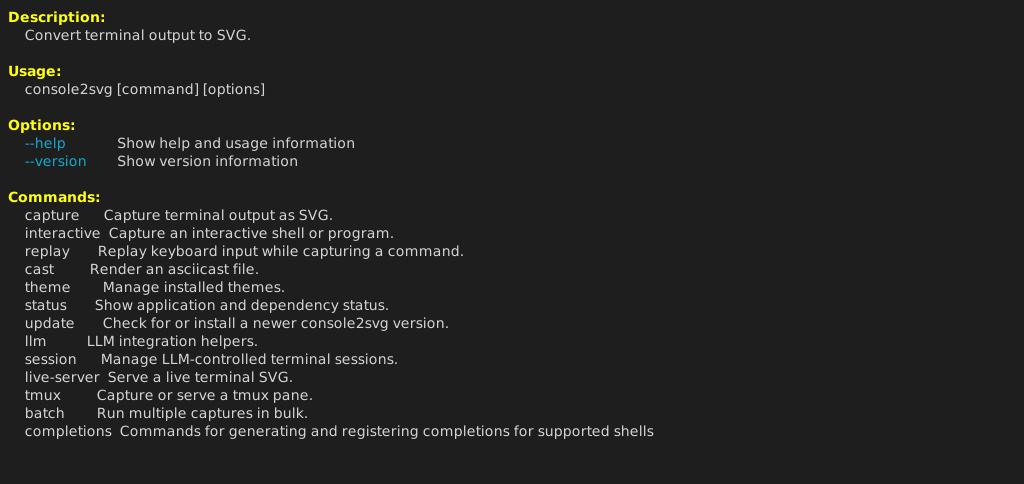
フレーム付き
Section titled “フレーム付き”macOSのターミナル風、横幅を指定して、実行コマンド名も付けています。
console2svg capture -w 100 -c -d macos-pc -- fastfetch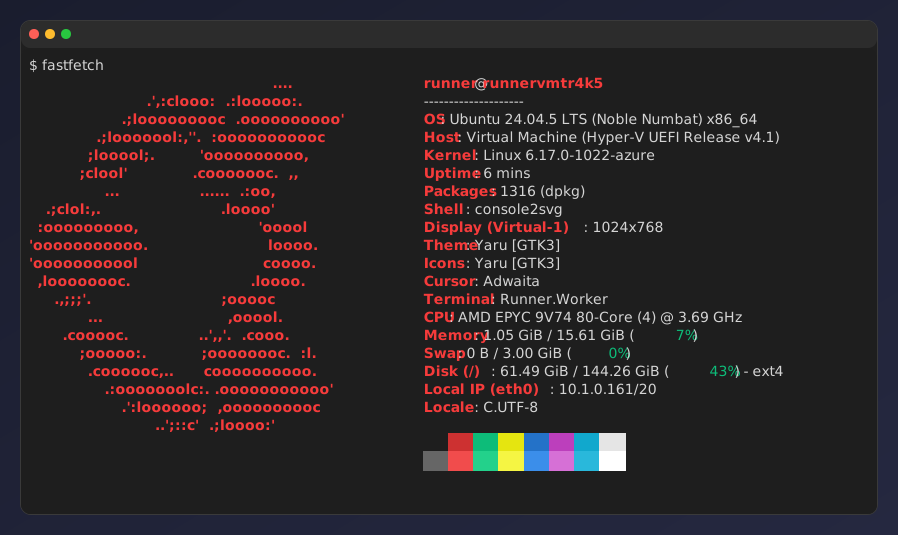
背景・透過指定
Section titled “背景・透過指定”なかなかおしゃれにできます。
console2svg capture -w 100 -h 10 -c -d macos-pc \ --background "image1.png" --opacity 0.95 \ -- oh-my-logo "console2svg" mint --filled --letter-spacing 0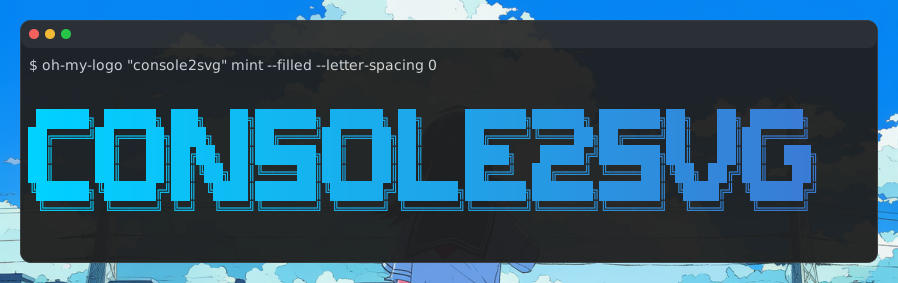
アニメーション
Section titled “アニメーション”console2svg capture -c -d -v -- sl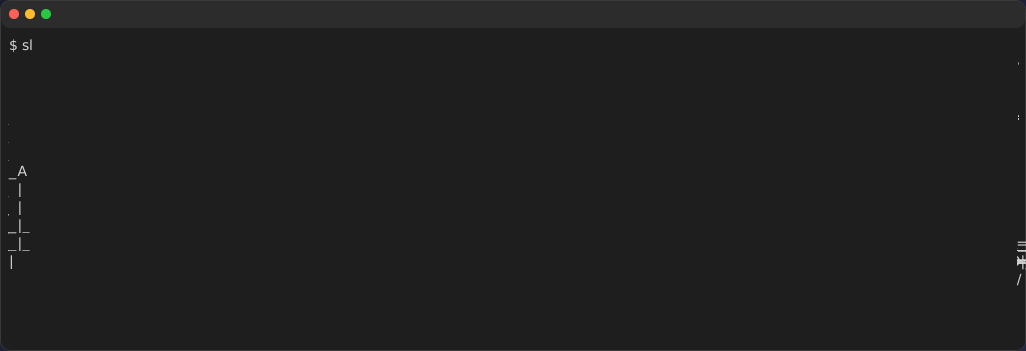
cmatrix
Section titled “cmatrix”console2svg capture -w 100 -h 24 -c -d macos-pc -v --timeout 5 -- cmatrix -ab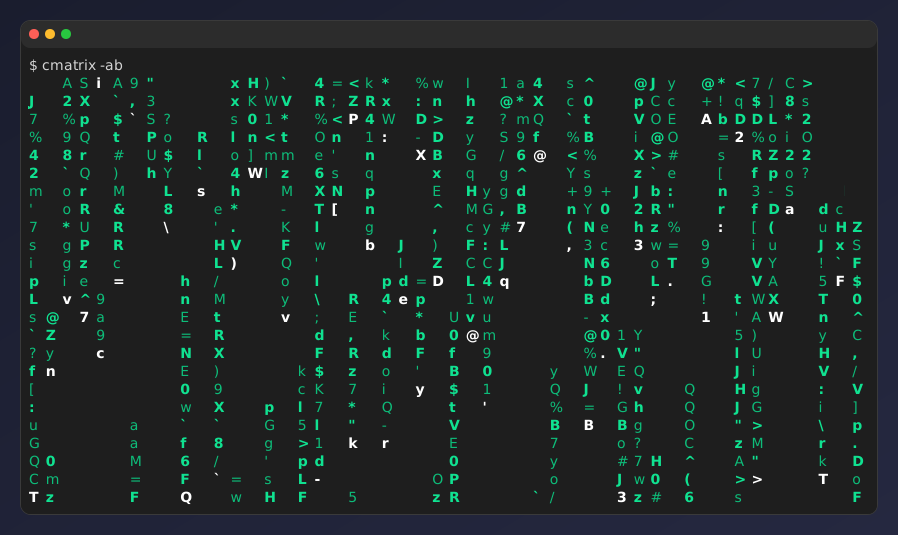
nyancat
Section titled “nyancat”console2svg capture -w 160 -h 28 -c -d -v --timeout 5 --sleep 0.5 -- nyancat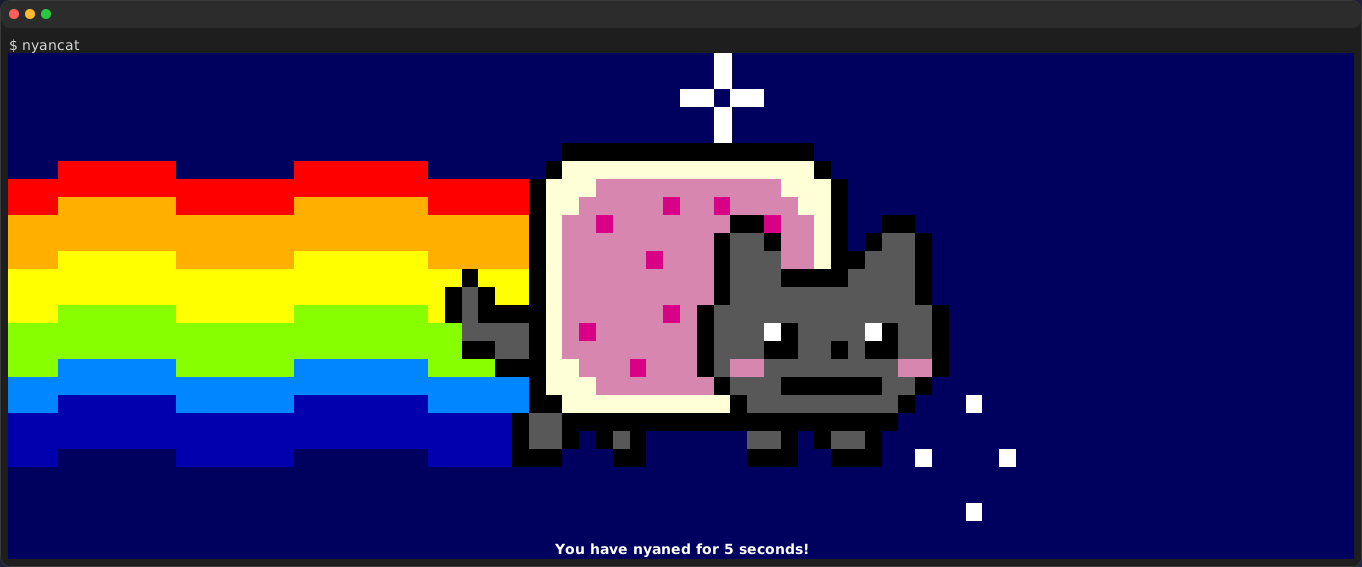
リプレイ再生
Section titled “リプレイ再生”事前に用意したリプレイファイルを再生することで、CI環境上でも同じ出力を再現できます。
console2svg replay ./replay.json -w 80 -h 20 -v -c -d macos -- bash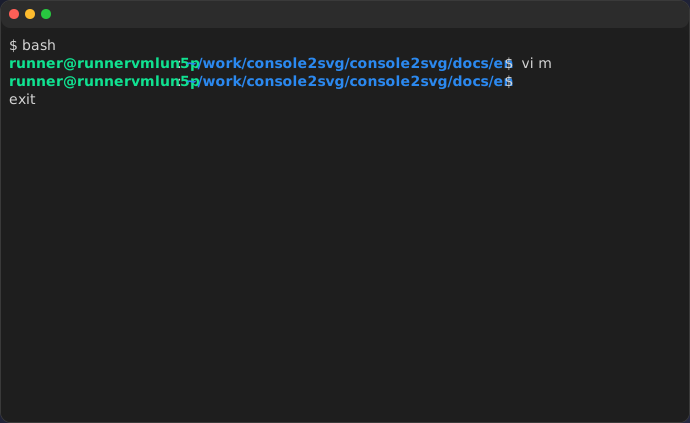
対話的キャプチャ
Section titled “対話的キャプチャ”F9キーで録画を開始して、もう一度F9キーで録画を終了します。
console2svg interactive -d macos -o ./captures/output.svg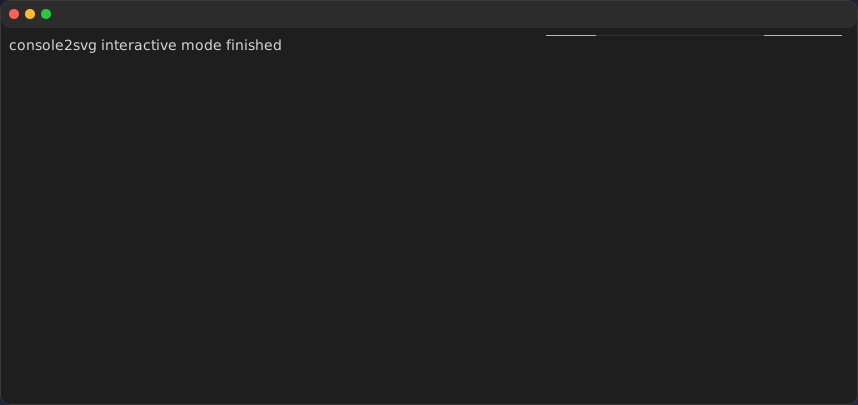
Themeサポート
Section titled “Themeサポート”組み込みでも、カスタムテーマでも、好きなテーマを指定できます。
console2svg capture -w 100 -h 24 -c -d macos -t nord --timeout 2 -- cmatrix -ab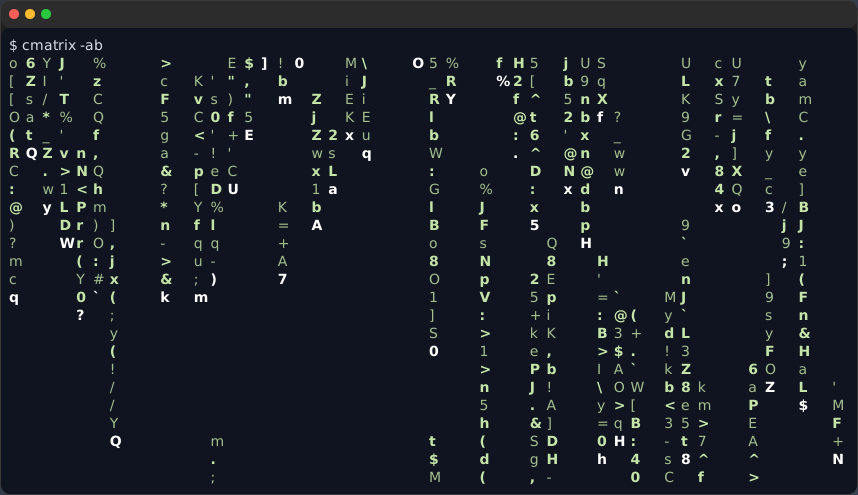
cyberpunk-pc
Section titled “cyberpunk-pc”console2svg capture -w 100 -h 24 -c -t cyberpunk-pc --timeout 2 -- cmatrix -ab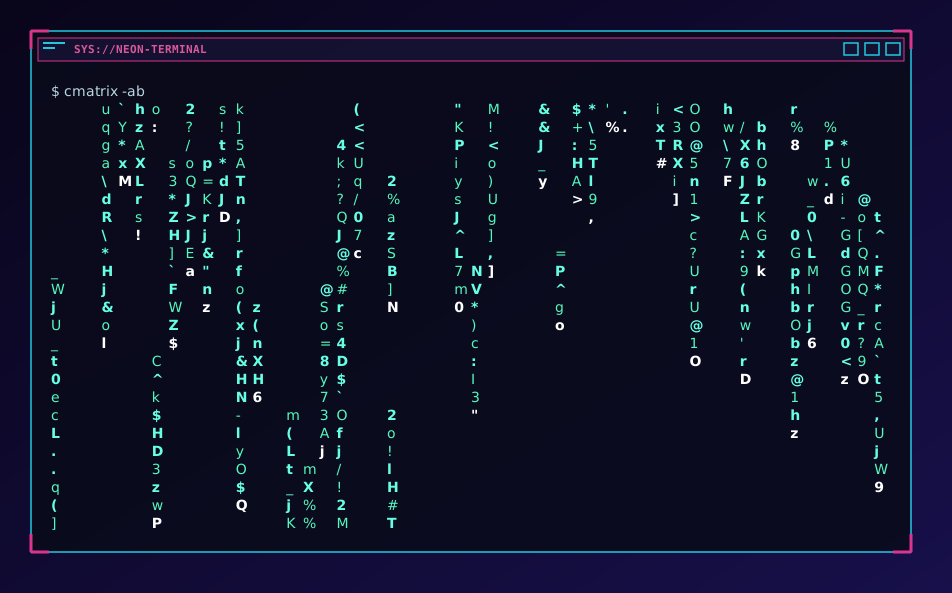
機密情報マスキング
Section titled “機密情報マスキング”cat <<EOF > .envCURRENT_DIRECTORY=$(pwd)APP_SECRET_TOKEN=1234567890thankyouHTTP_PROXY=http://username:superSecurePassword@10.0.0.1:8080CONNECTION_STRING=Server=localhost;Database=myDataBase;User Id=myUsername;Password=myPassword;MYSQL_CONNECTION_URL=mysql://username:superSecurePassword@localhost:3306/myDatabaseGIT_USERNAME=hidden_truth_nameGIT_EMAIL_ADDRESS=hidden_truth_name@example.comCOMMON_HASH=$(openssl rand -hex 16)SECRET_HASH=$(openssl rand -hex 16)EOF
console2svg capture -80 -h 14 -d macos-pc -t github-dark -- cat .env